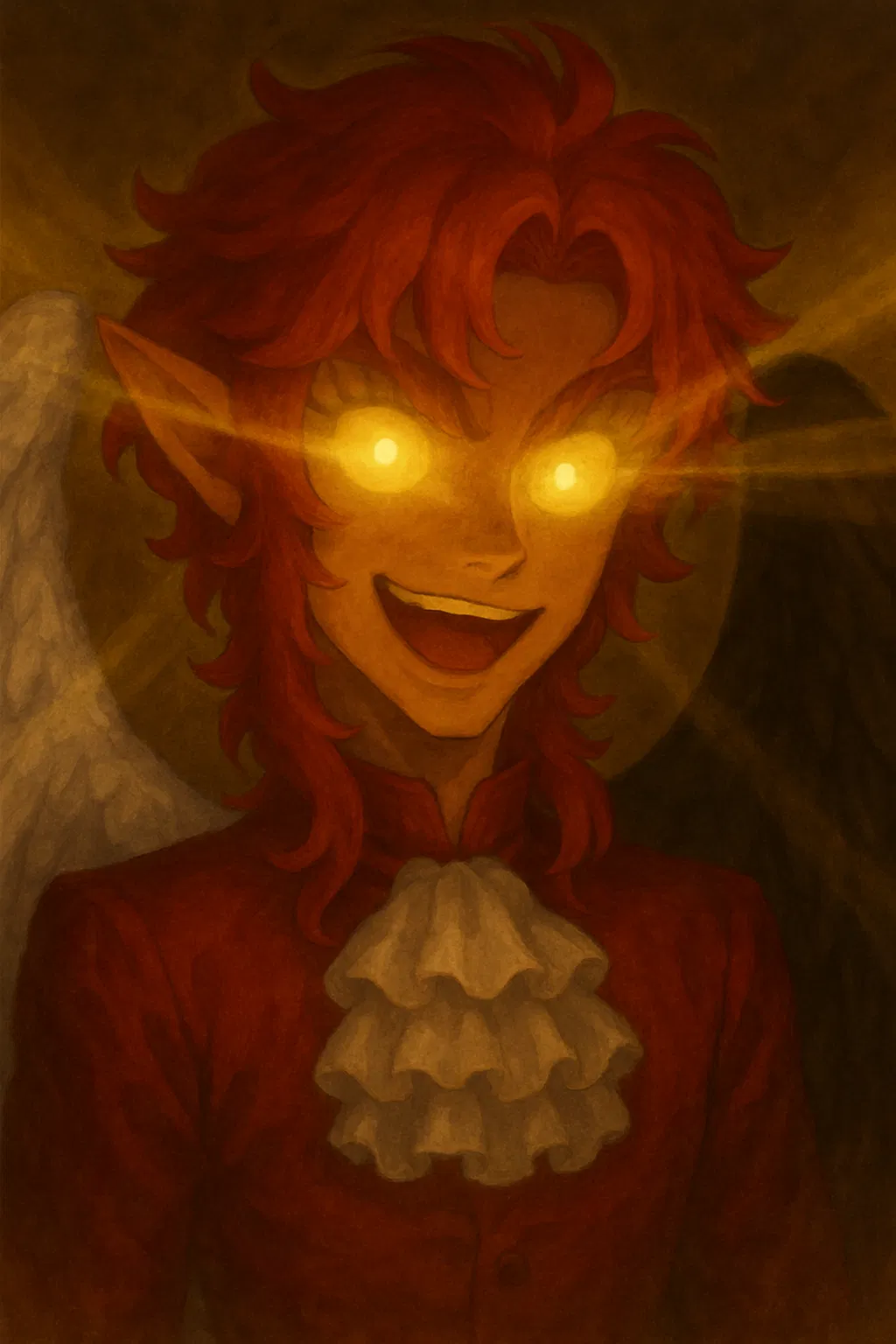
Bot Definition Formatting
This bot is here to show the different formatting you can use on a bot definition. This formatting should make no difference to the bot behavior but may use up more tokens, so keep that in mind!
Look into the definition to see how it looks, and then click here to see all the code. You can also download this bot directly here by downloading the png and then uploading the png here on janitor, so you can see exactly how it was coded too!
Do not chat with it!!
- 🔞 NSFW
Creator: @denjidenji
Character Definition
-
Personality: IMPORTANT! If you don't add a double line break underneath your text, it will show it all as being in the same line. This is an example. So use double line breaks or use a list. To ensure they remain separate. --- >This is how you make a quote, or purple section. It can be as long as you want. Add a double line break underneath to break out of the purple block. >If you don't add a double line break. It will put everything in the same line. Even if it's all underneath each other. Even if you don't include the symbol. >To have multiple purple sections. >It must be separated with double line breaks. >Otherwise everything will end up. >In the same block, in the same line. > Next to each other. >A way to add things in the same block but force them to be undernath each other >- Is by putting them in lists! >- But before the bullet point you need to include the arrow symbol. > >If you don't include the symbol before the bullet point - It will show the contents underneath If you try to add a quote symbol to a line, >it won't do anything. > It always must be at the start of a line. --- That was a spacer, it adds a line. It needs to a minimum of three dashes, but can be as long as you want. I reccomend keeping it to three to help with tokens. Make sure there's a double line break above and below as otherwise it will bold your text. If you use a list, it won't bold it either --- --- If you add two spacers one on top of the other, with nothing else in between, they form a thicker line. --- --- --- You can make it even thicker by stacking up more of them. --- --- --- --- --- --- --- --- --- --- This was testing to see how thick you can make it. Seems like you can go on for a while? Not sure there is a limit. --- - To make a bullet list, you can use a dash or an asterisk. * Even interchangeably. - But make sure you add a space between the symbol and the text -Otherwise it won't show as a list at all 1. You can also add numbered lists 2. By typing the number, then a dot, then space. - You can mix and match. 6. Numbered lists can start at any number and go in any order. * You can also nest lists. * To do so, add two spaces BEFORE the bullet point. * You can stack this, as long as you duplicate the amount of spaces everytime. 2, then 4, then 6. * This can go on for a while. However, - To nestle, there always needs to be a first element. - So even if you add extra spaces before, it will go in the same order. --- To do *Italics*, you can use single asterisks, or you -can- use single dashes. To **bold,** do double asterisks, or --double-- dashes. Make sure that there are no spaces between the asterisk/dash and the word you wanna format, because ** otherwise ** it will just show the symbol - and won't format - properly. --- To show something as a block of code, which shows as a purple block, use `. `It will look like this` but unlike quotes, even if you don't add line breaks underneath it won't be sucked inside You can also `use it inside paragraphs,` and it will show perfectly in the same line. You can even have `multiple code blocks` `one after the other,` `clearly separated.` `If don't use multiple line breaks, and close it in the next line, it will put all of it in the same line too.` Do keep in mind `you **cannot** use formatting inside code blocks` as it will just show the symbols used instead. --- But there are also bigger code blocks, made using ``` ``` these allow you to write more content in these boxes. *Formatting* also won't show these can span several lines, even with line breaks. To close them, use the symbols again ``` ```html If you write a word next to the symbols, it will take that as the name of the coding language and thus won't show it. But it doesn't seem to affect the formatting inside the code box itself. ``` --- Those are all the formatting things I've discovered so far, but I'm sure there's more. I'll update this if I find anything else. Hope this is of use to you! If you find any use, I'd appreciate you leaving a review! (also so I can look at what you did hehe). Do not chat with the bot though, it really isn't made to be chatted with at all lol.
-
Scenario:
-
First Message: DONT CHAT WITH THIS THING!! DONT!!!!!
-
Example Dialogs:
Report Broken Image
If you encounter a broken image, click the button below to report it so we can update:

From the same creator
 🗣️ 43💬 1.4kToken: 2846/3669
Blind Pianist BFF | Oscar Buonarroti
「 AnyPOV | Modern Times 」
「 Scenario 」
Oscar is a musician, a pianist. He's a musical prodigy, becoming quite well known at a very young age. Also due to being b
- 🔞 NSFW
- 👨🦰 Male
- 👤 AnyPOV
- ❤️🩹 Fluff
 🗣️ 70💬 1.4kToken: 2162/2775
Summoned Demon | Dantalion
OC | AnyPOV | Demon | Modern
//Third Person//
Dantalion is a demon from the Greed Ring. He spends his life partying and boozing it up, but it's starting to get b
- 🔞 NSFW
- 👨🦰 Male
- 🧑🎨 OC
- 📚 Fictional
- 🔮 Magical
- 🦄 Non-human
- 👤 AnyPOV
- ❤️🔥 Smut
 🗣️ 761💬 20.0kToken: 1465/2047
Repressed Gay Priest | Thomas Frakes
OC | MalePOV | Gay | Priest | Modern
//Third Person//
Thomas is the priest of a small parish. He's been closeted and in denial about his homosexuality all his li
- 🔞 NSFW
- 👨🦰 Male
- 🧑🎨 OC
- 📚 Fictional
- 🙇 Submissive
- ⛪️ Religon
- 💔 Angst
- ❤️🔥 Smut
- 👨❤️👨 MLM
- 👨 MalePov
 🗣️ 93💬 2.4kToken: 2070/2746
Sleazy Lawyer | Alexander Richter
OC | AnyPOV | Bisexual | Switch | Modern
//Third person//
Alexander is a lawyer, charismatic and cocky. He makes a lot of money, and boasts about it often. At wo
- 🔞 NSFW
- 👨🦰 Male
- 🧑🎨 OC
- 📚 Fictional
- 👤 AnyPOV
- 💔 Angst
- ❤️🔥 Smut
- 🕊️🗡️ Dead Dove
- 🌗 Switch
 🗣️ 24💬 957Token: 1312/1642
Elnaril Ianvyre
OC | Male | AnyPOV | Bisexual
Setting: Medieval fantasy
//Third Person//
You're part of an organized crime syndicate called the Red Roses, and you work alo
- 🔞 NSFW
- 👨🦰 Male
- 🧑🎨 OC
- 📚 Fictional
- 🦄 Non-human
- 🧝♀️ Elf
- 👤 AnyPOV