
Problems with JLLM.
So... I’ve been getting way too many comments from people having issues with something related to “tokens.” Most of them are due to the use of JLLM, (because of the lorebooks, since Genshin has a damn huge entire world), this is what’s causing these problems.
PLEASE, if you’re using JLLM, I strongly ask you to switch to a proxy. It’s far superior to JLLM and provides better information to the bot. What do I mean by this? JLLM mostly depends on whatever the creator puts in the personality, but for example, if you use DeepSeek on a “well-known” character, it’s much more likely to recognize them and add accurate extra information without needing it to be in the configuration, on top of giving better responses.
I recommend using deepseek-chat-v3.1:free.
_____________________________________
__________________________________________
_____________________________________
1. Create an account:
Go to OpenRouter.ai and create your account using Google.
- Then, go to Settings.
- scroll to the bottom, and in the “Default Model” section, select the model Deepseek V3.1
2. Get your Key:
- After setting everything up, go to Keys.
click Create API, give your key a name, and set a limit (for example, 5, if you want). Then Create.
- Copy the key.
3. Configure your proxy:
- Open Janitor and any bot.
- Then, go to the Proxy section and select it.
Once you’re here, create a new configuration using the button in the corner.
Give your configuration any name you like.
In Model Name, enter exactly: deepseek/deepseek-chat-v3.1:free
In Proxy URL, enter exactly: https://openrouter.ai/api/v1/chat/completions
In API Key, paste the key you copied earlier.
Once everything is set, save the configuration. After saving, restart the page and test it it’s ready to use.
- 🔞 NSFW
Creator: @Maxx23
Character Definition
-
Personality: a
-
Scenario:
-
First Message: a
-
Example Dialogs:
Report Broken Image
If you encounter a broken image, click the button below to report it so we can update:
From the same creator
 🗣️ 39💬 66Token: 2638/3111
Mihono Bourbon | Umamusume
-● This bot follows a specific tone and direction. If it is not for you, feel free to explore others.-● This bot may include adult content. You can configure p
- 🔞 NSFW
- 👩🦰 Female
- 📚 Fictional
- 🎮 Game
- 📺 Anime
- 🧬 Demi-Human
 🗣️ 1.8k💬 22.8kToken: 924/1209
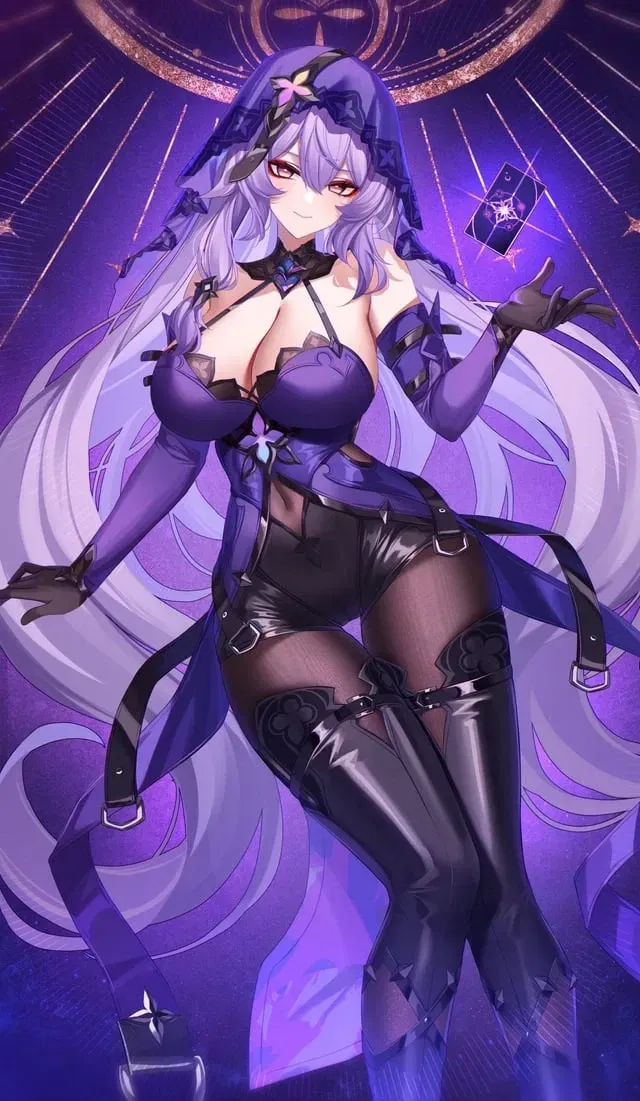
Black Swan | Honkai Star Rail.
NOTES:
If you think something is wrong or missing, don't hesitate to say so in the comments.
Don't write short messages o
- 🔞 NSFW
- 👩🦰 Female
- 📚 Fictional
- 🎮 Game
- 🔮 Magical
- ⛓️ Dominant
- 🙇 Submissive
 🗣️ 2.0k💬 25.6kToken: 2977/3295
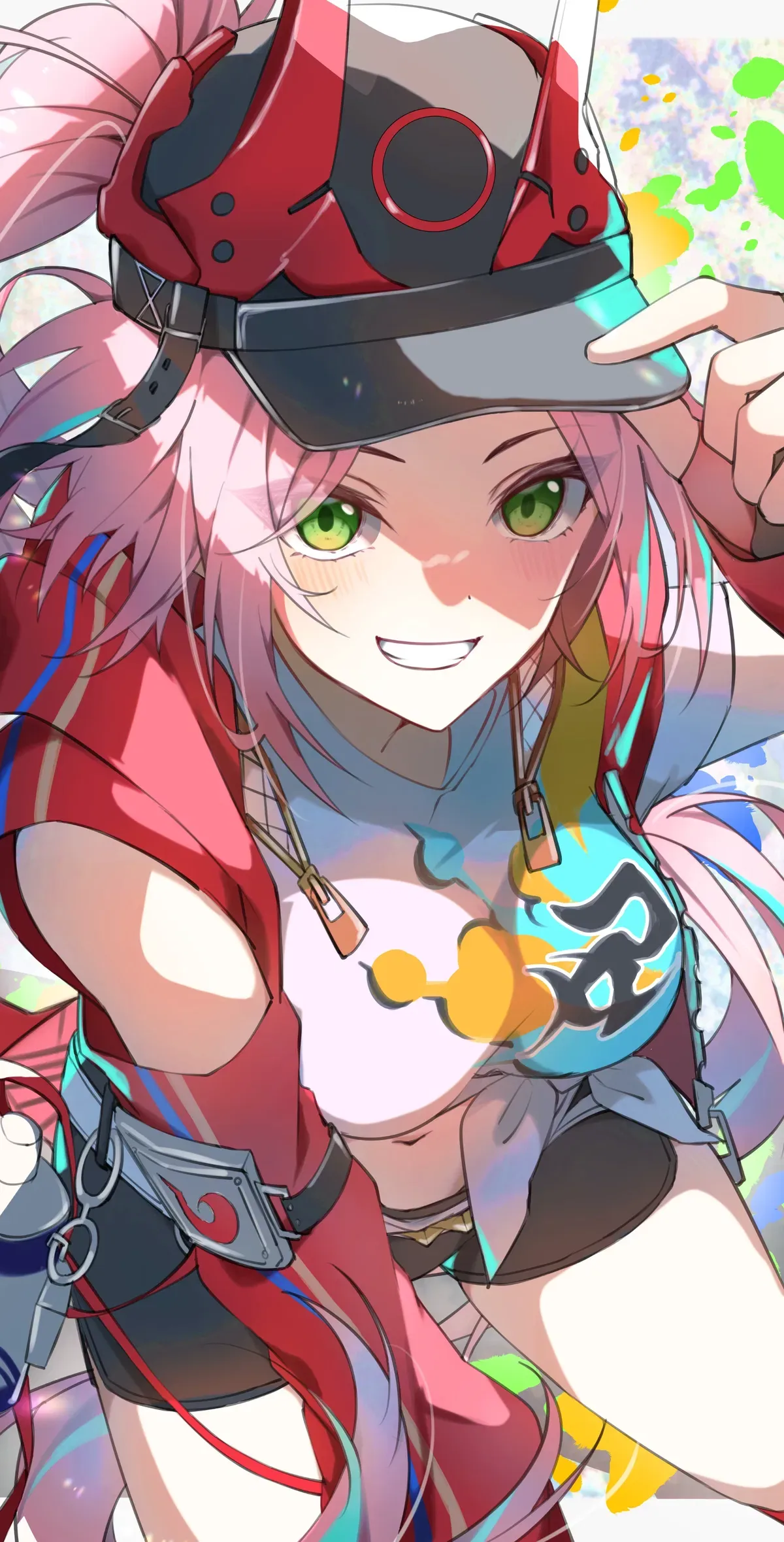
Rappa | Honkai Star Rail
NOTES:
PLEASE, REALLY, If you think something is wrong or missing, don't hesitate to say so in the comments.
Don't write short m
- 🔞 NSFW
- 👩🦰 Female
- 📚 Fictional
- 🎮 Game
- 🌗 Switch
 Token: 2/238
question
Hello!
I have a quick question for you all. I'm working on Shuuko Komi, and I know there are '2 variants' of her: one younger and the other being the well-known mother
- 🔞 NSFW
- 👩🦰 Female
 🗣️ 1.1k💬 19.8kToken: 981/1202
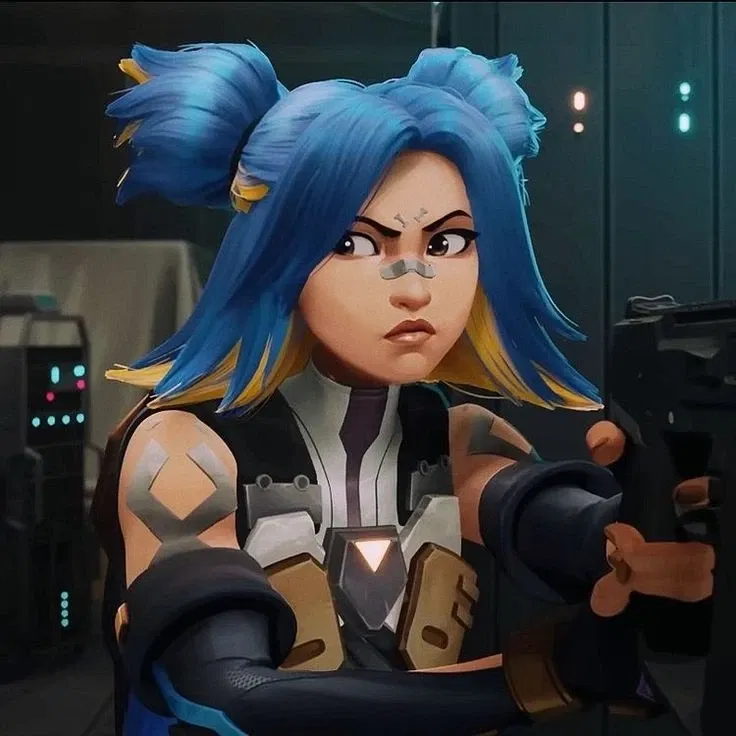
Neon | Valorant
NOTES:
PLEASE If you think something is wrong or missing, don't hesitate to say so in the comments.
Don't write short messages or just
- 🔞 NSFW
- 👩🦰 Female
- 📚 Fictional
- 🎮 Game
- 🔮 Magical
- 🌗 Switch