Bot Description Structure
A hopefully simple "guide" on how to copy and paste elements into the Source Code for organization and customization. This guide assumes you have little knowledge of HTML or the Source Code editing process. If you're more advanced, skip right to the bot's Personality for the code.
Basic Info
The button circled in red will open the Source Code. Note: the editor will automatically collapse all blank space after saving. So, yes, it will look like one mass wall of text after you're done. Paste wanted elements into the Source Code, apply, and make sure it worked (changes should show in the Character Bio without having to save your bot). Anything that isn't "Janitor AI-friendly" will disappear from the Source Code.
DISCLAIMER: I found all this code by right clicking elements and selecting "Inspect". This opens your browser's Developer Tools, where you can copy the full element and adjust as necessary. This means I'm not claiming any of this as my own code, and I have not found a similar guide, so I'm just trying to release the elements I've discovered for ease of use for everyone. I'm assuming this process is not frowned upon, since anyone can do it and I'm not taking actual bot content/data. Feel free to chime in if you disagree, but please explain why.
Examples
The code you'll want to into the Source Code is found under this bot's Personality section. Below I've given an example of each element. If you want to change the text colors, you can the regular way by highlighting your text and using the color palette button. If you want the text to be aligned differently, same thing.
No need to edit the Source Code after you've pasted, you can edit the INPUT TEXT HERE directly without breaking the code.
HOWEVER, pressing the Enter key will generally create a second banner/label/box, etc. If you want to expand a banner or background, you have to edit the Source Code, unfortunately. This requires inputting a <br> which is a linebreak, after the 'INPUT TEXT HERE'. Wouldn't recommend unless you have some HTML knowledge, as putting <br> in the wrong spot can break the code.
Red Banner, White Text
INPUT TEXT HERE
Small, Bordered Text
INPUT TEXT HERE
Example of pressing enter! I made a second bordered box.
I use these as tags
Black Background with White Text
INPUT TEXT HERE
Blue Label Black Background Header and Description
HEADER
DESCRIPTION
Yellow Banner, White Text
Creator: @ryuuboy
Character Definition
-
Personality: > **Red Banner, White Text** <p class="_moderationNotes_di476_369" style="text-align: center;"><span style="font-size: 12px; color: rgba(255, 255, 255, 0.9);"> INPUT TEXT HERE </span></p> --- > **Small, Bordered Text** <p class="_appModalBadge_xxqvx_134" style="text-align: center;"><span style="color: rgb(255, 255, 255);"><strong> INPUT TEXT HERE </strong></span></p> --- > **Black Background with White Text** <p class="_characterInfoMarkdownContent_9gldz_223"><br><span style="font-size: 14px; color: rgb(232, 232, 232);"> INPUT TEXT HERE </span></p> --- > **Blue Label Black Background Header and Description** <p class="div _scheduledReleaseInfo_1s17f_1136" style="text-align: left;"><span style="font-size: 14px; color: rgb(232, 232, 232);"><strong> </strong></span><span style="font-size: 14px; color: rgb(82, 94, 222);"><strong> HEADER </strong></span><br><span style="font-size: 14px; color: rgb(232, 232, 232);"> DESCRIPTION </span></p> --- > **Yellow Banner, White Text** <p class="div _scheduledReleaseWarning_1s17f_876" style="text-align: center;"><span style="font-size: 14px; color: rgb(246, 246, 246);"> INPUT TEXT HERE </span></p> ---
-
Scenario:
-
First Message: .
-
Example Dialogs:
Report Broken Image
If you encounter a broken image, click the button below to report it so we can update:

From the same creator
 🗣️ 20💬 138Token: 1105/1543
Danse | Lorebooks | Canon AU
"The agreement stands," he stated firmly, though his jaw tightened with poorly concealed reluctance. "I gave my word, and I honor my commitments."
🚀any-pov🚀
📝Sce
- 🔞 NSFW
- 👨🦰 Male
- 📚 Fictional
- 🎮 Game
- 👤 AnyPOV
 🗣️ 141💬 1.9kToken: 894/1322
Simon Riley | Scripts+Lorebook | v1.1
The Neighbor Next Door
🏳🌈male-pov🏳🌈
🌳🏢
cw: char with internalized homophobia
📋Scenario📋
You've just moved into a block of flats in London,
- 🔞 NSFW
- 👨🦰 Male
- 🧑🎨 OC
- 📚 Fictional
- 🎮 Game
- 👨❤️👨 MLM
- 👨 MalePov
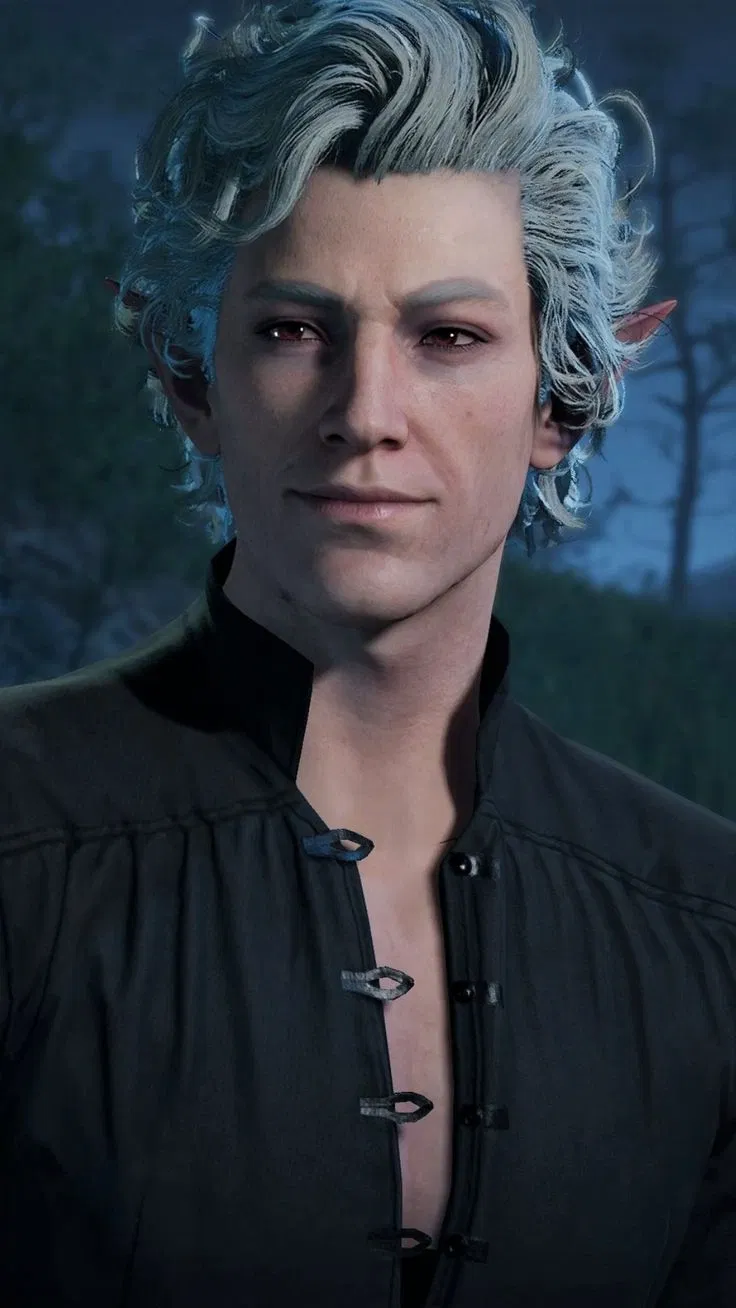
![Avatar of Astarion [Modern Day Vampirism]](https://image.jannyai.com/bot-avatars/-jgtTCMZ8ayrT8Rxgcq1Q.webp) 🗣️ 135💬 3.8kToken: 655/1015
🗣️ 135💬 3.8kToken: 655/1015Astarion [Modern Day Vampirism]
"Excuse me, but I couldn't help but notice you look the most pathetic out of everyone here... it's making even me feel bad. Let me buy you a drink."
🍺any-pov🍺
🩸m
- 🔞 NSFW
- 👨🦰 Male
- 📚 Fictional
- 🎮 Game
- 🧛♂️ Vampire
- 👤 AnyPOV
- 🌗 Switch
 🗣️ 325💬 3.8kToken: 659/1514
Astarion | Durge User
"Next time the mood strikes — my tent is closer than the treeline. Just a thought."
cw: dark fantasy violence
🎬Scenario
ANY POV
DURGE!USER
- 🔞 NSFW
- 👨🦰 Male
- 📚 Fictional
- 🎮 Game
- 👤 AnyPOV
 🗣️ 44💬 1.3kToken: 613/1444
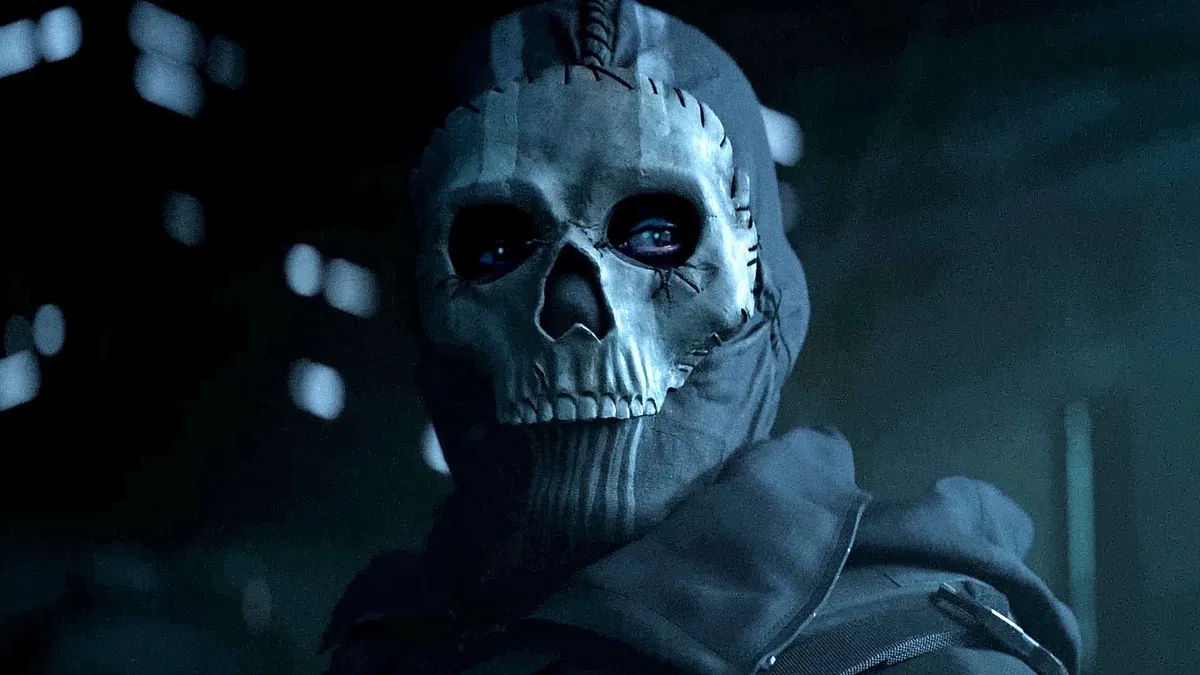
Wasn't in the Briefing | a Ghost Bot
"For the record... this was Price's idea."
. ܁+ ⊹ . ܁ ⟡ ܁ . ⊹ + ܁.
🎬Scenario
ANY POV
UNDERCOVER RELATIONSHIP
CIVILIAN!USER
- 🔞 NSFW
- 👨🦰 Male
- 📚 Fictional
- 🎮 Game
- 👤 AnyPOV